













MetaTrader 4 is one of the most powerful tools available to forex traders, but its performance can degrade over time due to heavy use or overloaded trading systems. Therefore, in this article, we will show you some of the how to optimize MT4 performance to improve MT4 speed and reliability. Follow along and start improving your trading performance today!
The Purpose of MT4 Performance Optimization
MT4 is a widely used trading platform, especially in forex and CFD trading, known for its versatility and powerful tools. However, as with any software, MT4’s performance can degrade over time due to various factors like excessive data, multiple charts, or heavy system load. Optimizing MT4 performance is crucial for traders who want to operate efficiently and take advantage of every trading opportunity.

The primary purpose of MT4 performance optimization is to ensure smooth and responsive platform operation. Slow load times, lagging charts, or delayed trade execution can lead to missed trading opportunities, incorrect entries, or exits at unfavorable prices—issues that can directly impact profitability.
By optimizing MT4, traders can achieve faster order executions, more accurate chart analysis, and improved response times to market changes. This is especially important in volatile markets where prices can shift rapidly. A well-optimized platform allows traders to respond swiftly and accurately, ensuring they can capitalize on opportunities as they arise.
Moreover, how to optimize MT4 performance helps reduce the risk of technical issues, such as system crashes or freezing, which can disrupt your trading flow and lead to frustration. Performance improvements can also extend the life of your computer system by reducing strain on hardware components, especially when running multiple applications alongside MT4.
In short, the purpose of optimizing MT4 performance is to enhance trading efficiency, minimize technical disruptions, and provide a seamless trading experience. This not only improves user satisfaction but also maximizes the potential for profit in fast-paced, competitive trading environments.
See now:
- Detailed instructions on how to install MT4 just 3 minutes
- All Truths About MetaTrader 4 – Is MT4 safe to use
- Customizing MT4 Charts easily in 5 minutes most detailed
- How to Successfully Managing Risk on MT4 When Trading
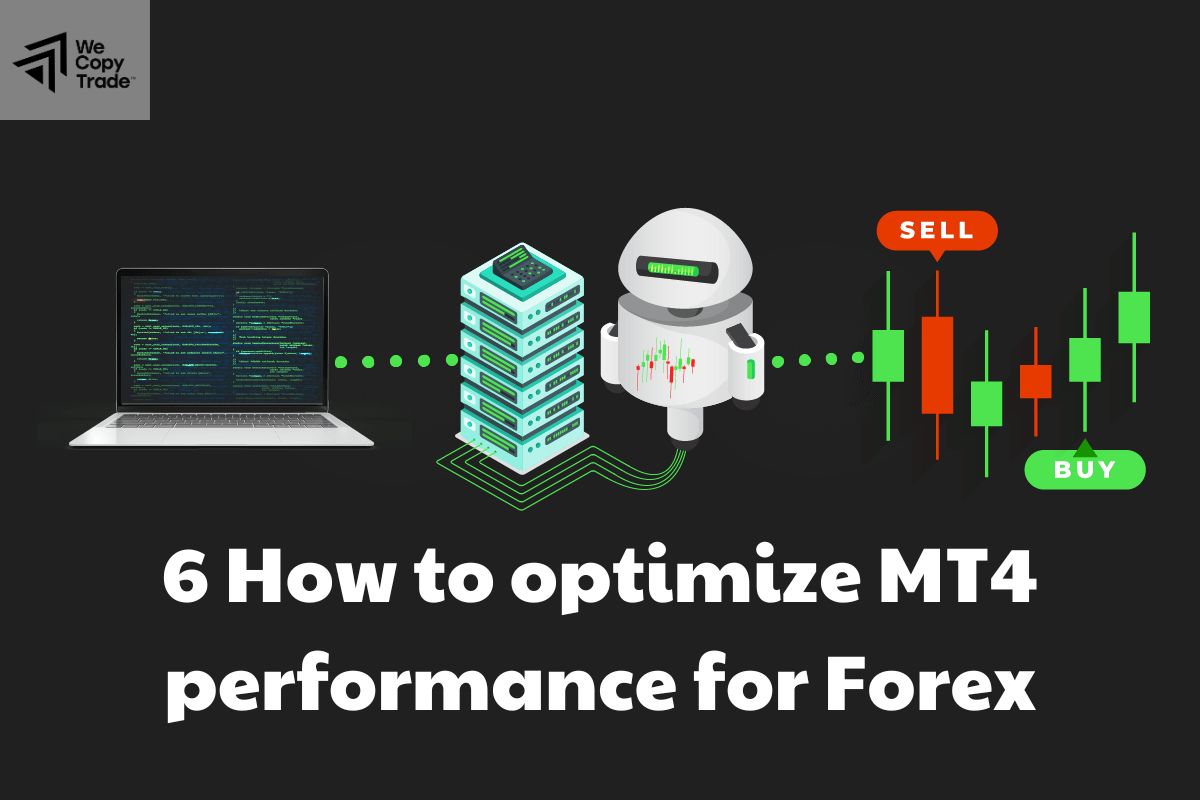
6 How to optimize MT4 performance for Forex
MetaTrader 4 is a powerful platform widely used by forex traders because of its advanced charting tools and automated trading capabilities. However, performance can sometimes slow down, affecting trading efficiency. Here are some how to optimize MT4 performance:
Method 1: Limit open charts and indicators
- Only open the charts that you are actively trading to minimize resource usage.
- Remove unnecessary indicators from your charts. Each indicator is very CPU intensive, so focus on the indicators that can bring the most value to your trading strategy.
Method 2: Disable Expert Advisors
- Expert Advisors can automate trading but can slow down MT4 when multiple EAs are active.
- Disable or delete any EAs that are not being used.
- Regularly check the performance of your active EAs and also deactivate those EAs that consume a lot of resources without bringing significant benefits.
Method 3: Regularly clear cache and some data history
- To clear data history, follow these steps: Go to File > Then open the data folder > Clear history and delete old unnecessary data.
- To adjust chart settings, follow these steps in order: Click on the navigation to Tools > Options > Chart and reduce the “max bars in history” and “max bars in chart” settings to a lower value to keep only relevant data.
Method 4: Optimize hardware resources
- To upgrade your computer, make sure your system meets the recommended specifications for MT4.
- Increasing RAM or using an SSD can significantly improve performance
- Free up system resources by closing any unnecessary applications running in the background while trading.
Method 5: Always update MT4 software regularly
- With the latest version of MT4 software, you must update regularly because new updates often include performance improvements and bug fixes.
- Check the broker’s website and MT4 platform for updates every day.
Method 6: Use a virtual private server (VPS)
- VPS always provides a dedicated server environment, allowing you to run MT4 24/7 without interruption. Therefore, this can reduce latency and improve execution speed, especially for traders using automated strategies.
- Choose a VPS provider with low latency to the broker’s server for optimal performance.
Pros and Cons of MT4 Performance Optimization
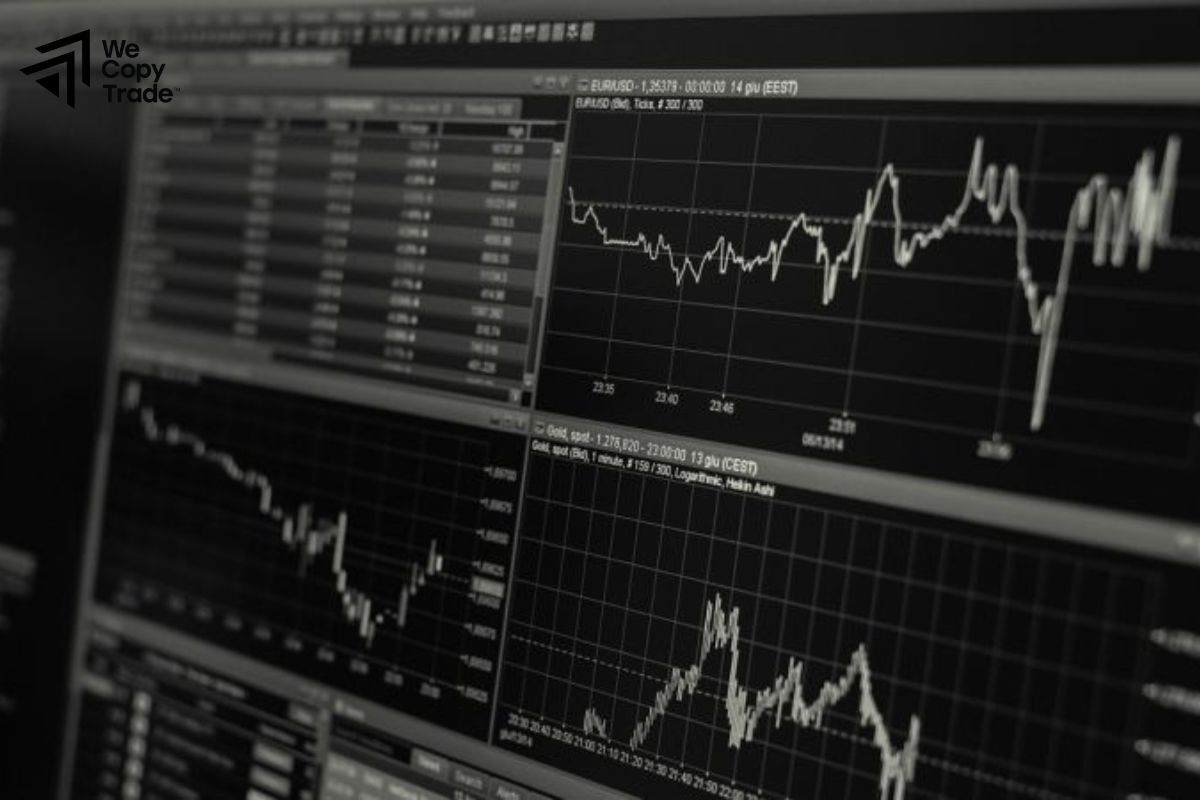
Optimizing the performance of MetaTrader 4 (MT4) is essential for traders seeking efficiency and effectiveness in their trading strategies. However, while there are significant benefits to optimizing MT4, there are also some drawbacks to consider. Here’s a breakdown of the pros and cons of MT4 performance optimization:
Pros of MT4 Performance Optimization
- Enhanced Speed and Responsiveness: Faster order execution and reduced lag lead to smoother trading experiences, allowing for timely decisions.
- Improved Trading Efficiency: A streamlined platform helps traders focus better, react quickly to market changes, and make informed choices.
- Lower Risk of Technical Issues: Regular optimization minimizes crashes and freezes, ensuring a more stable trading environment.
- Optimal Resource Usage: Better management of system resources prolongs hardware lifespan and enhances overall performance.
Cons of MT4 Performance Optimization
- Time-Consuming Process: Initial setup and ongoing maintenance require time and effort, which may deter some traders.
- Potential Loss of Functionality: Removing unnecessary indicators or EAs could limit valuable tools that enhance trading strategies.
- Learning Curve: Requires technical knowledge, and incorrect settings may lead to decreased performance or missed opportunities.
- Cost Considerations: Upgrading hardware or using a VPS involves additional costs, which can be a burden for some traders.
FAQs About how to optimize MT4 performance
Here are some frequently asked questions regarding how to optimize MT4 performance, along with concise answers to help you understand the process better:
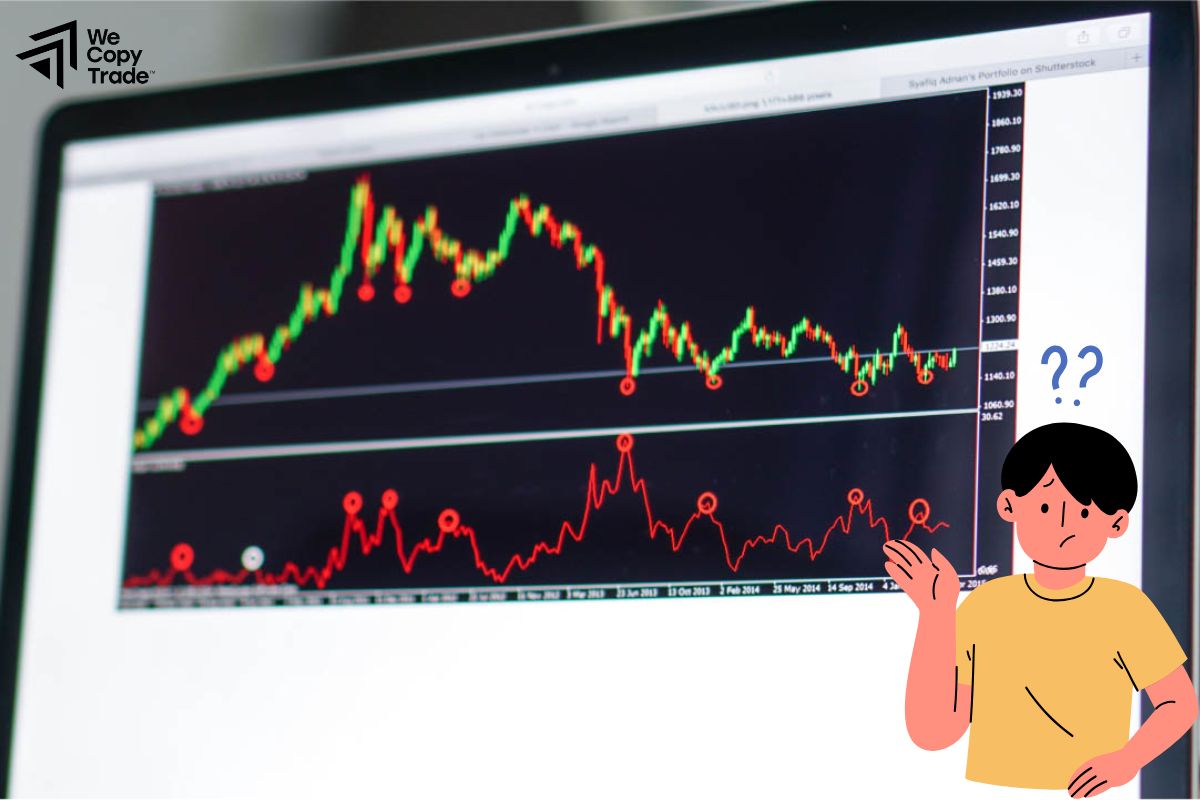
Can optimization lead to loss of functionality?
- Yes, removing or disabling indicators and EAs to enhance performance may result in losing access to valuable tools. It’s important to evaluate which components are essential for your trading strategy.
Is using a VPS beneficial for MT4 optimization?
- Yes, a Virtual Private Server (VPS) can significantly enhance MT4 performance by providing a dedicated environment for trading, reducing latency, and allowing continuous operation without interruptions.
Can I optimize MT4 on a mobile device?
- MT4 is primarily designed for desktop use, where optimization techniques can be effectively applied. While mobile versions exist, they may not offer the same level of performance tuning.
Conclusion
In conclusion, understanding how to optimize MT4 performance is essential for any trader looking to enhance their trading experience. Regular maintenance and tuning ensures that you maximize your trading potential while minimizing technical issues. Don’t let performance issues get in the way of your trading success, start optimizing MT4 today and experience the benefits for yourself!
See more: