













You want to try investing but are still skeptical about the safety of trading platforms and don’t know where to start, right? Have you ever heard of Metatrader 4? Are you wondering if Is MT4 safe to use? Whatever the answer is, I’m sure this will be a useful platform if you understand the facts about it that I’m about to share below!
What is MT4?

MT4 is known as an extremely powerful and popular trading platform with a user-friendly and easy-to-use interface design. MT4 not only supports forex trading but also expands to other markets such as indices and commodities through contracts for difference (CFDs). From chart analysis, placing orders to account management, MT4 provides all the necessary tools for you to make informed investment decisions. In addition, MT4 also supports automated trading, allowing investors to set up trading strategies and execute orders automatically.
See more:
- What is the difference between MT4 vs MT5 trading platform
- What is MT4? What types of MT4 charting tools are there?
- Discover the top 12 popular and effective MT4 indicators
Is MT4 safe to use?
MT4 is a very popular and reliable trading platform. However, the safety of your trading depends on the broker you trust. Because this platform is so popular, many scammers have taken advantage of it and created fake trading platforms. Therefore, choosing a reliable broker is a decisive factor for the success of the trading process.
Why should we choose MetaTrader 4?
Meta is a global trading platform with outstanding features:
- MT4 has a large global community of users where you can learn from each other, share knowledge and get support from other traders.
- MT4 is designed with an intuitive and easy-to-use interface, even for beginners. You will quickly get familiar with the platform’s tools and functions.
- MT4 allows you to customize the interface and analytical tools to suit your trading style.
- MT4 is available in many different languages, helping you trade conveniently and confidently.
- MT4 provides a wide range of technical indicators, charts and drawing tools, helping you analyze the market and make more accurate trading decisions.
- With MT4, you can program trading robots (Expert Advisors – EAs) to execute automated trades according to your strategy.
- MT4 has a mobile application that allows you to trade anytime, anywhere, as long as you have an internet connection.
- You can test the effectiveness of trading strategies on historical data before applying them to the real market.
- MT4 allows you to create multiple charts with different time frames, giving you a comprehensive view of the market.
- There are many forums, blogs and online courses about MT4, helping you learn more about this platform.
Common Scams Found on MetaTrader 4 and How to Use MT4 In Safe

Popularity as a double-edged sword brings metatrader 4 many scandalous misunderstandings such as fraud. Scammers can take advantage of investors’ lack of experience and create fake versions of this platform, or sell unreliable related tools and services. They can steal personal information, manipulate prices to cause losses to investors. To protect your assets, you should choose to learn carefully about the broker, check the operating license and read reviews from other users before deciding to trade and do not believe in unrealistic promises of high profits.
To learn from experience and avoid being scammed by untrustworthy brokers, consider the following real-life examples:
- If the demo account is too perfect, always profitable without any losses, be careful.
- Fraudulent brokers often pressure you to deposit money immediately, without giving you time to think.
- After depositing money, you will have difficulty withdrawing money.
- Automated trading software that promises high profits without you having to do anything is usually a scam.
How to use MT4 on devices
How can I add a new account to MetaTrader 4 on PC
Step 1: Download MT4 Software

- First, you need to visit the website of a reputable broker that offers the MT4 platform.
- Find and click on the “Download MT4” button or similar.
- When the download finishes, execute the installation file and adhere to the step-by-step guidance displayed on your screen.
Step 2: Launch MT4

- Find the MT4 icon on your desktop.
- Double-click on the icon to launch the software.
Step 3: Create a Trading Account
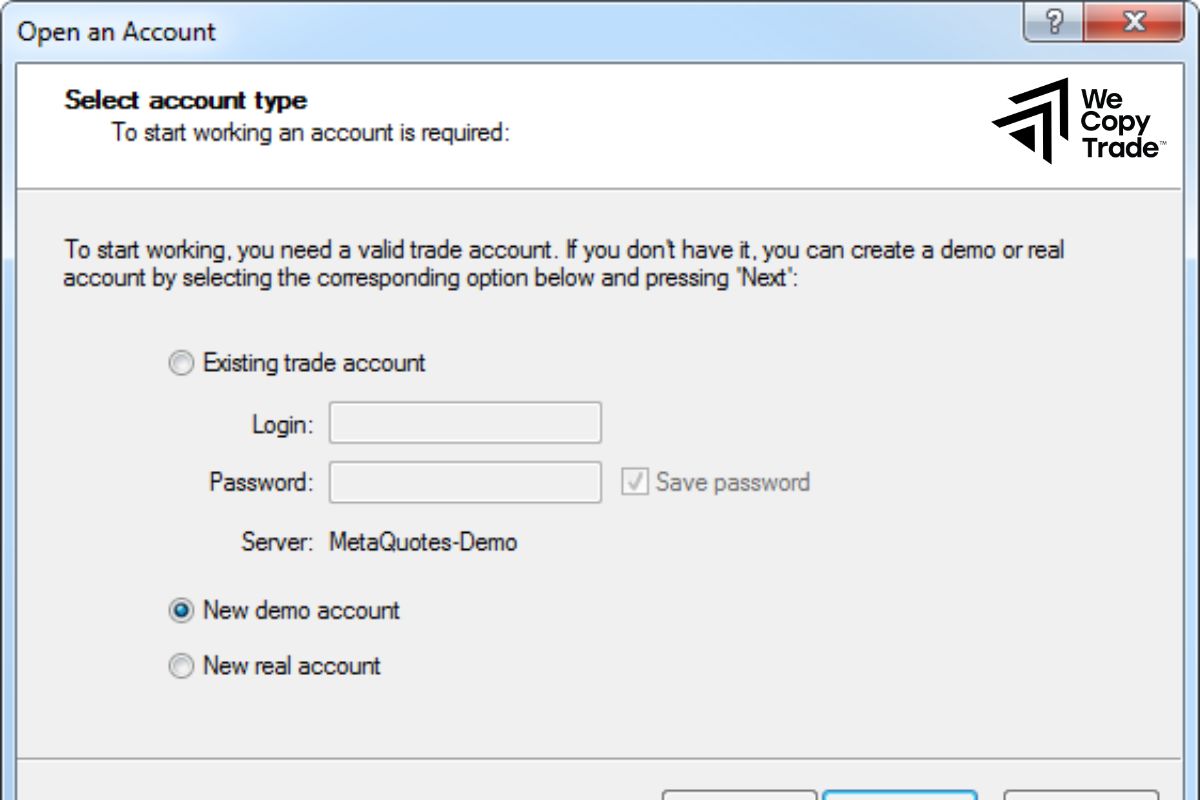
- When you open MT4, you will see a login screen.
- Choose “Create New Account” or “Open Account”.
- Fill in all the required personal information, including name, email, phone number, and select the appropriate account type.
- After creating an account, you will need to verify your identity by providing identification documents as requested by the broker.
Step 4: Log in and start trading
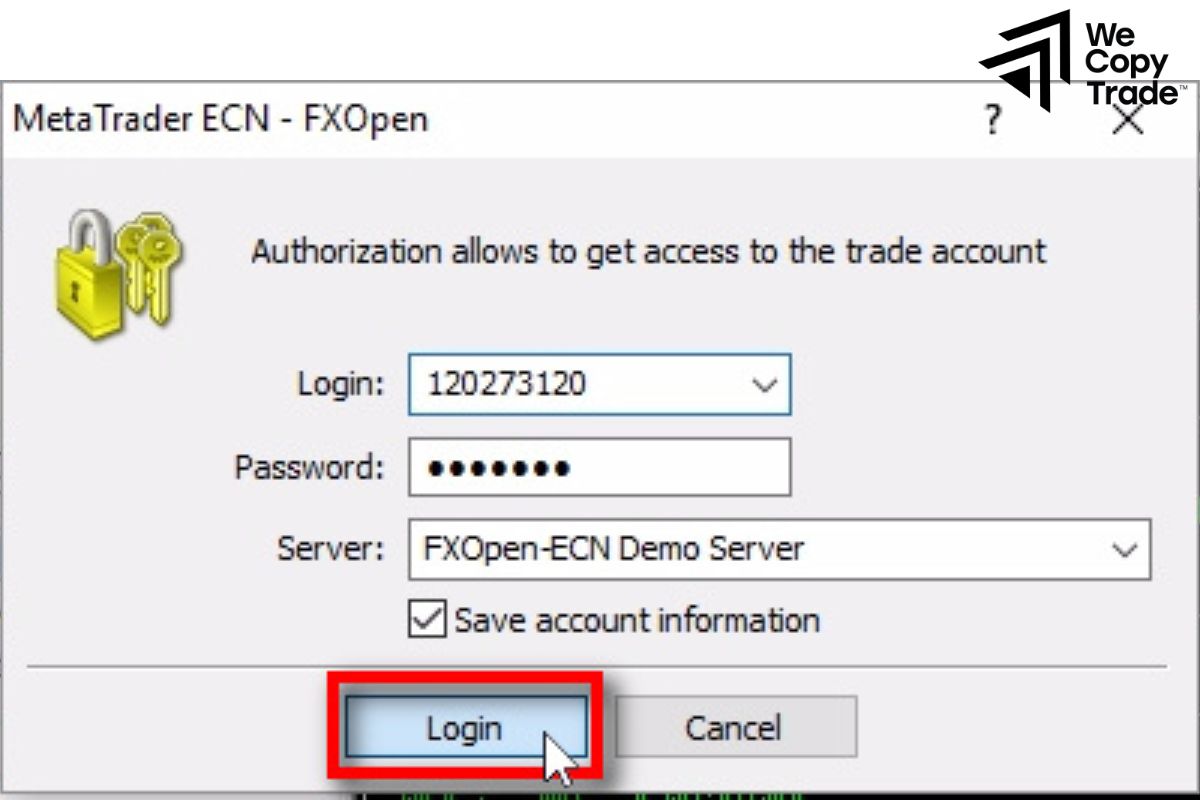
- Go back to the login screen and enter the username and password you just created.
- Once logged in successfully, you will see the main interface of MT4. Here, you can execute trading orders, view charts, and use technical analysis tools.
How can I add a new account to MetaTrader 4 on mobile
Step 1: Find and download the MT4 application

- Find and open the application store on your phone (App Store for iOS, Google Play for Android).
- In the search bar, type “MetaTrader 4” and select the official application developed by MetaQuotes Software Corp.
- Select the “Install” button and adhere to the step-by-step guidance displayed on your screen.
Step 2: Launch the application
- After the installation is complete, find the MT4 icon on the phone screen and tap it to open the application.
Step 3: Create a new account
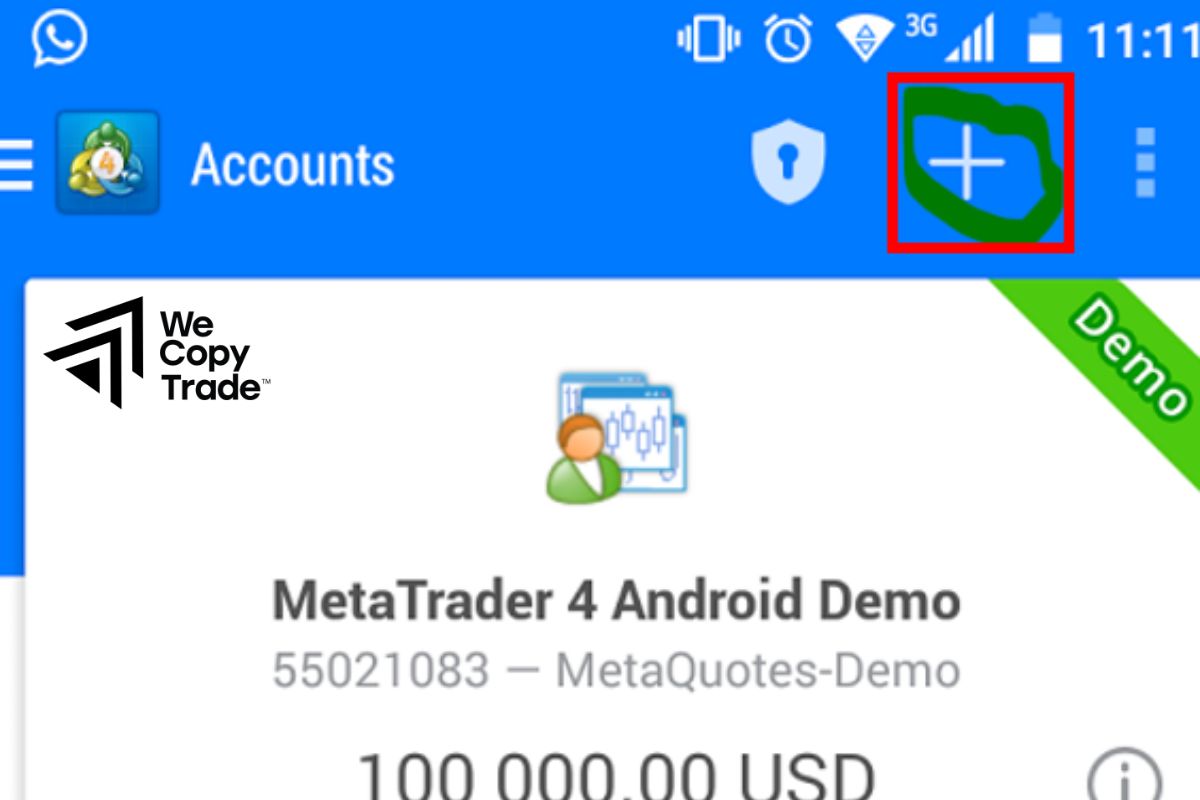
- The application will display the login screen.
- Tap the “Add new account” button or the “+” plus icon.
- Enter all the information required by the broker, including: server (usually provided by the broker), login name, password.
- After filling in, press “Save” to save the account information.
Step 4: Log in and start trading
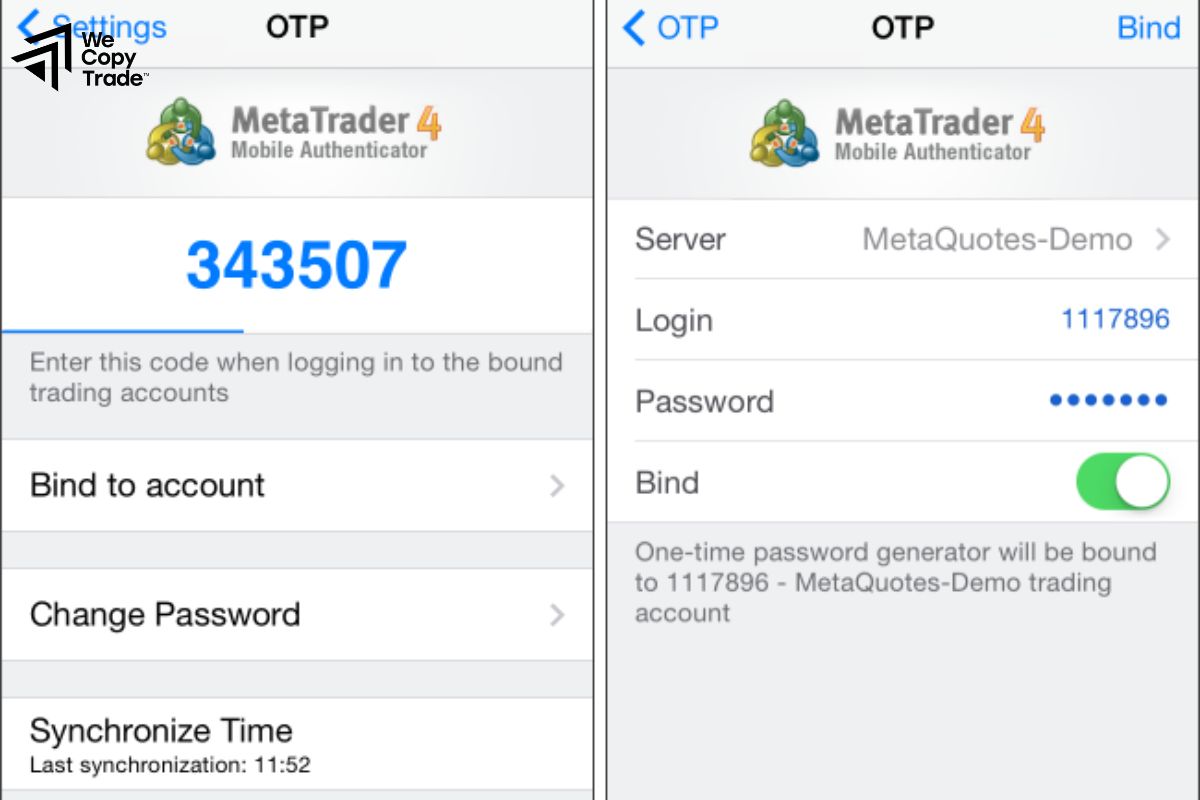
- Return to the login screen and enter your login details.
- Once you have successfully logged in, you can start exploring the MT4 interface on your phone
Conclusion
In conclusion,through the useful information above, surely future successful traders have solved their questions about Is MT4 safe to use, right? Please find out the information carefully before making a decision.
See now: