












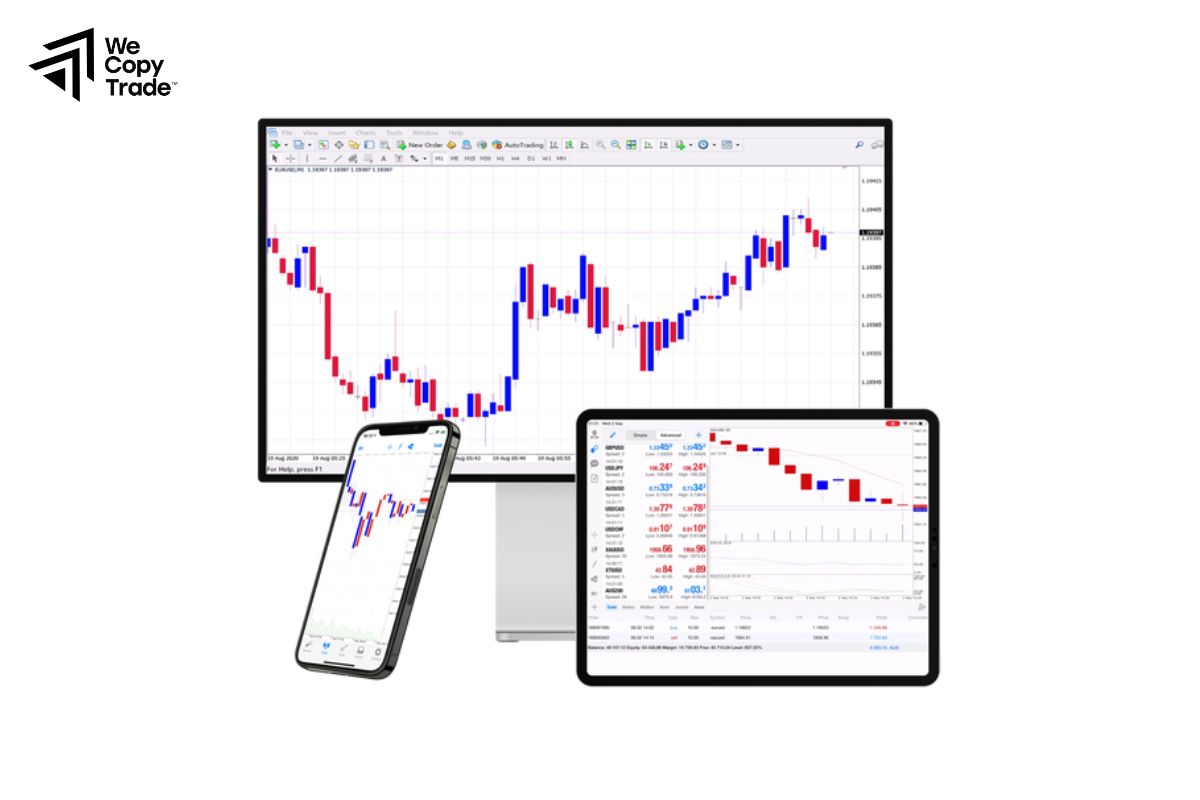
MT4 for mobile trading offers traders the flexibility to manage their investments from anywhere, providing real-time access to markets. Whether you’re monitoring forex markets or executing trades on the move, the MT4 for mobile trading delivers the same powerful features as the desktop version, ensuring you never miss an opportunity. Start trading on the go and take control of your financial future by downloading the MT4 mobile app today!
Introduction to MT4 Trading Platform

The MT4 trading platform is one of the most widely used and trusted platforms in the financial markets, particularly in forex trading. Known for its user-friendly interface, advanced charting tools, and powerful analytical capabilities
Besides, MT4 enables both beginner and experienced traders to execute trades efficiently. It offers a range of features such as automated trading through Expert Advisors (EAs), customizable technical indicators, and real-time market data, making it an essential tool for traders looking to optimize their strategies and manage their portfolios effectively.
Advantages of Using MT4 for Mobile Trading
Here are the key advantages of using MT4 for mobile trading:
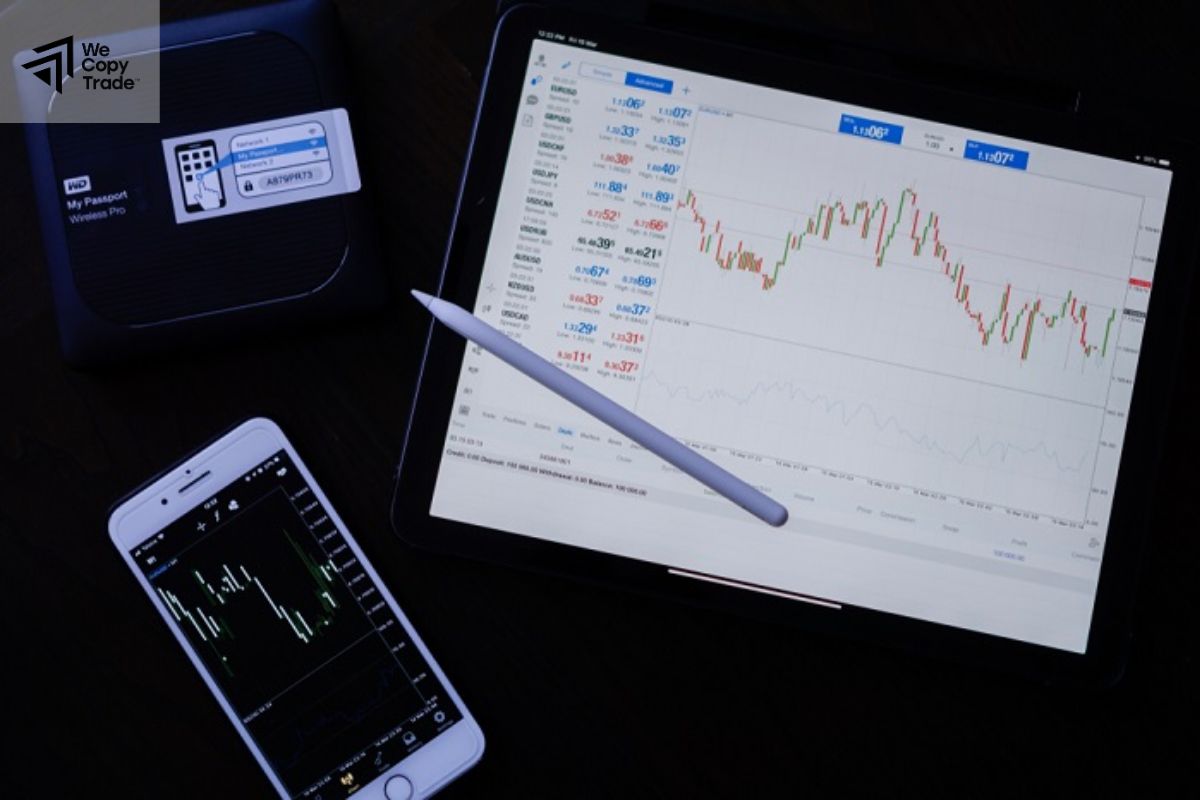
- Trade anytime and anywhere with an internet connection, allowing for greater flexibility in managing trades.
- Receive real-time quotes and market data, enabling quick decision-making based on the latest price movements.
- The app offers an intuitive layout that is easy to navigate, making it suitable for both beginners and experienced traders.
- Access a variety of chart types and technical indicators to conduct thorough market analysis directly from your mobile device.
- Execute trades instantly with a single tap, which is crucial for taking advantage of rapid market changes.
- Monitor and manage open positions, including setting stop-loss and take-profit levels, all from your mobile device.
- Set up price alerts and notifications for significant market events to stay informed without being constantly active on the app.
- Enjoy secure logins with biometric options like fingerprint or facial recognition, ensuring the safety of your trading account.
- Easily sync your mobile app with the desktop version of MT4, maintaining continuity in trading activities across devices.
- Trade a wide range of financial instruments, including forex, commodities, indices, and cryptocurrencies, all in one platform.
How to Download and Set Up MT4 for Mobile Trading
Here’s the translation of the instructions on how to download and set up MT4 for mobile trading, divided by device:
Download and Set Up MT4 on Android

Step 1: Download the App
- Open the Google Play Store on your Android device.
- Search for “MetaTrader 4.”
- Tap on Install to download the app.
Step 2: Open the App
- Locate the MT4 icon on your home screen or app drawer and tap to open it.
Step 3: Create or Log In to Your Account
Create a New Account:
- Select “Create a new account.”
- Choose a demo or live account.
- Fill in the required information to create the account.
Log In to an Existing Account:
- Select “Login to an existing account.”
- Enter the account number and password provided by your broker.
- Choose your broker from the list or enter the server address manually.
Download and Set Up MT4 on iOS

Step 1: Download the App
- Open the App Store on your iOS device.
- Search for “MetaTrader 4.”
- Tap on Get to download the app.
Step 2: Open the App
- Locate the MT4 icon on your home screen and tap to open it.
Step 3: Create or Log In to Your Account
Create a New Account:
- Select “Create a new account.”
- Choose a demo or live account.
- Fill in the required information to create the account.
Log In to an Existing Account:
- Select “Login to an existing account.”
- Enter the account number and password provided by your broker.
- Choose your broker from the list or enter the server address manually.
Top Brokers Offering MT4 for Mobile Trading
Here are some of the top brokers that offer MT4 for mobile trading:

IG Group
- One of the largest and most reputable online trading platforms, IG offers a wide range of assets including forex, indices, and commodities.
- Comprehensive research tools, educational resources, and a user-friendly mobile interface.
XM
- Known for its customer service and diverse account types, XM provides access to a variety of financial instruments.
- Low spreads, multiple trading accounts, and extensive educational materials.
HotForex
- HotForex is a global broker offering competitive spreads and a wide range of trading instruments.
- Multiple account types, robust educational resources, and a responsive mobile app.
Pepperstone
- A popular choice for forex traders, Pepperstone offers low-cost trading and excellent execution speeds.
- Multiple trading platforms, including MT4 for mobile trading, and a strong emphasis on customer service.
OANDA
- OANDA is a well-established broker that offers a user-friendly trading platform and a wide range of currency pairs.
- No minimum deposit requirement, robust research tools, and excellent mobile application.
Tips for Success with MT4 for Mobile Trading
Here are some essential tips for success when using MT4 for mobile trading:

- Spend time exploring the app’s features and settings. Understand how to navigate between charts, trade history, and account information.
- Make use of the various technical indicators available in MT4, such as Moving Averages, RSI, and MACD, to help you analyze market trends and make informed trading decisions.
- Use the alert feature to set price notifications. This way, you can stay informed about significant market movements without constantly checking your device.
- Before trading with real money, practice using a demo account. This helps you understand the platform and develop your trading strategies without financial risk.
- Keep yourself informed about economic news and events that can impact the markets. Use the news feed within the MT4 app or follow reliable financial news sources.
Conclusion
In conclusion, MT4 for mobile trading offers a powerful platform for traders seeking flexibility and efficiency. By utilizing its advanced features and tools, you can enhance your trading experience and make informed decisions on the go. Don’t miss out on the opportunity to elevate your trading strategy, download MT4 today and start your journey towards trading success!
See now: