












The foreign exchange market offers diverse opportunities for both individuals and financial institutions. However, to participate in this market, you need a Forex account—the fundamental tool that allows you to access global currency bid/ask prices, manage capital, and execute trading strategies. Understanding how to open, verify, and choose the right account type is the first step toward trading safely, effectively, and systematically in this volatile environment.
What is a Forex Account?
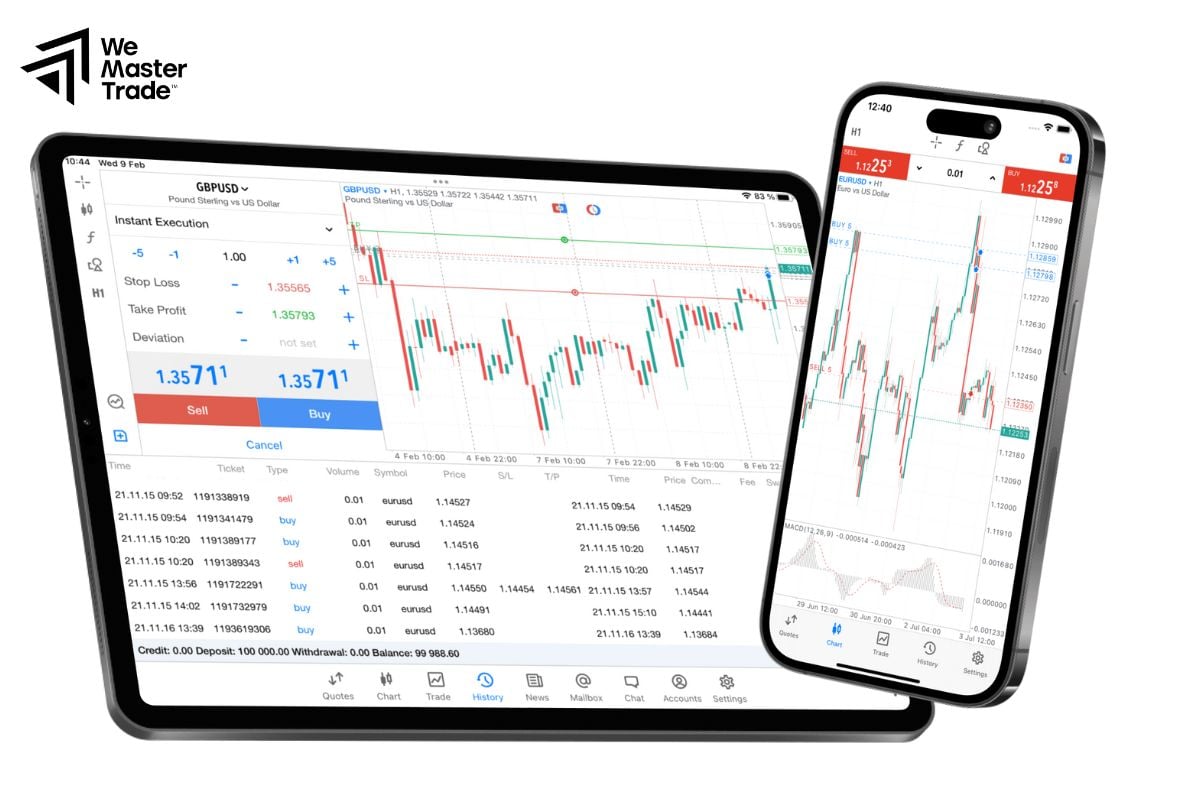
A Forex account is a trading account used to place buy/sell orders for currency pairs in the foreign exchange market through a broker. This account connects you to a trading platform (e.g., web, mobile app, or software like MT4/MT5), where you can deposit funds, manage risk, track orders, and view trading reports.
Unlike traditional stock accounts (often tied to a centralized exchange with limited trading hours), a Forex account provides access to a decentralized market that operates 24/5. Beyond forex, many brokers also offer CFDs on indices, commodities, and stocks, though the range of products varies by provider and jurisdiction.
See more:
- Essential Tips on How to Start Trading for Beginners
- Investment for Beginners: A Detailed Guide to Getting Started
- Top Virtual Trading Platforms to Practice Trading Risk-Free
The Process of Opening a Forex Account
The specific procedure may vary slightly between brokers, but it generally involves six steps:
Step 1 – Create an Online Profile
- Access the Forex account opening page and click “Open Account/Sign Up.”
- Fill in basic information (full name, email, phone number) or sign up quickly via Google/Apple/Facebook accounts (if supported by the broker).
Step 2 – Declare Financial Information & Experience
- Answer a few questions about your trading goals, experience, income source, and risk tolerance.
- This is a KYC/AML compliance requirement and helps the broker categorize suitable trading conditions (e.g., maximum leverage).
Step 3 – Create Password & Activate Account
- Create a strong password, and enable two-factor authentication (2FA) if available.
- Verify your email/phone number to activate the account.
Step 4 – Verify Identity (KYC)
- Upload identification documents (National ID/Passport) and proof of address (utility bill, bank statement).
- Some brokers require a selfie or a short video verification.
- Approval time is typically 1–2 business days.
Step 5 – Deposit Funds
- Choose a deposit method: wire transfer, international card, e-wallet, etc.
- Check: deposit/withdrawal fees, the base currency of your Forex account (USD/EUR/… to limit conversion fees), and credited time.
Step 6 – Log into the Platform & Start Testing
- Log into the WebTrader/App/MT4/MT5 using the provided credentials.
- Before trading live, it’s highly recommended to use a demo account to get familiar with the interface, place orders, and set stop loss/take profit levels.
Common Types of Forex Accounts
Account catalogs vary by broker, but these are commonly found:
Standard Account
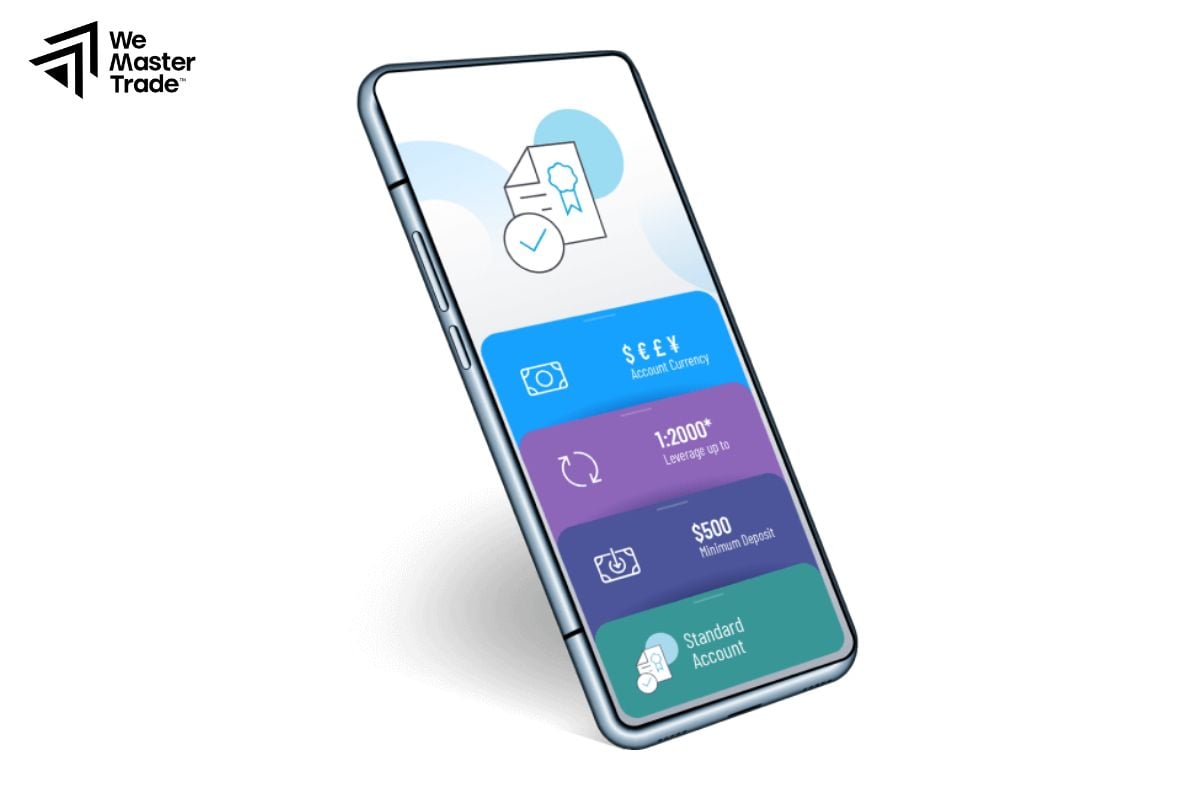
- Spread: Higher than ECN/Raw, usually no commission.
- Pros: Transparent costs (mainly through spread), suitable for beginners.
- Cons: Spreads can widen when the market is volatile, news.
ECN/Raw/Pro Account
- Spread: Very low (even 0.0x pip) but charges commission/lot.
- Pros: Total cost can be lower for high volume trading; fast execution..
- Cons: Requires management of commission costs; may require higher minimum balance.
Islamic/Swap-free Account
- Compliant with Sharia: no interest charged/received overnight.
- Requires verification, deposit, then conversion to an Islamic Forex account..
- Some “Halal” products have specific support (e.g. gold/oil under specific rules).
- Pros: Adheres to religious principles, no overnight swap (+/-).
- Cons: Some brokers apply an alternative administration fee; product range may differ.
Demo Account
- Virtual balance, zero risk, simulates real market conditions.
- Ideal for learning order placement, testing systems/EAs, practicing risk management.
- Tip: Should simulate real account capital size for realistic results.
Platforms & Tools for Managing a Forex Account
-
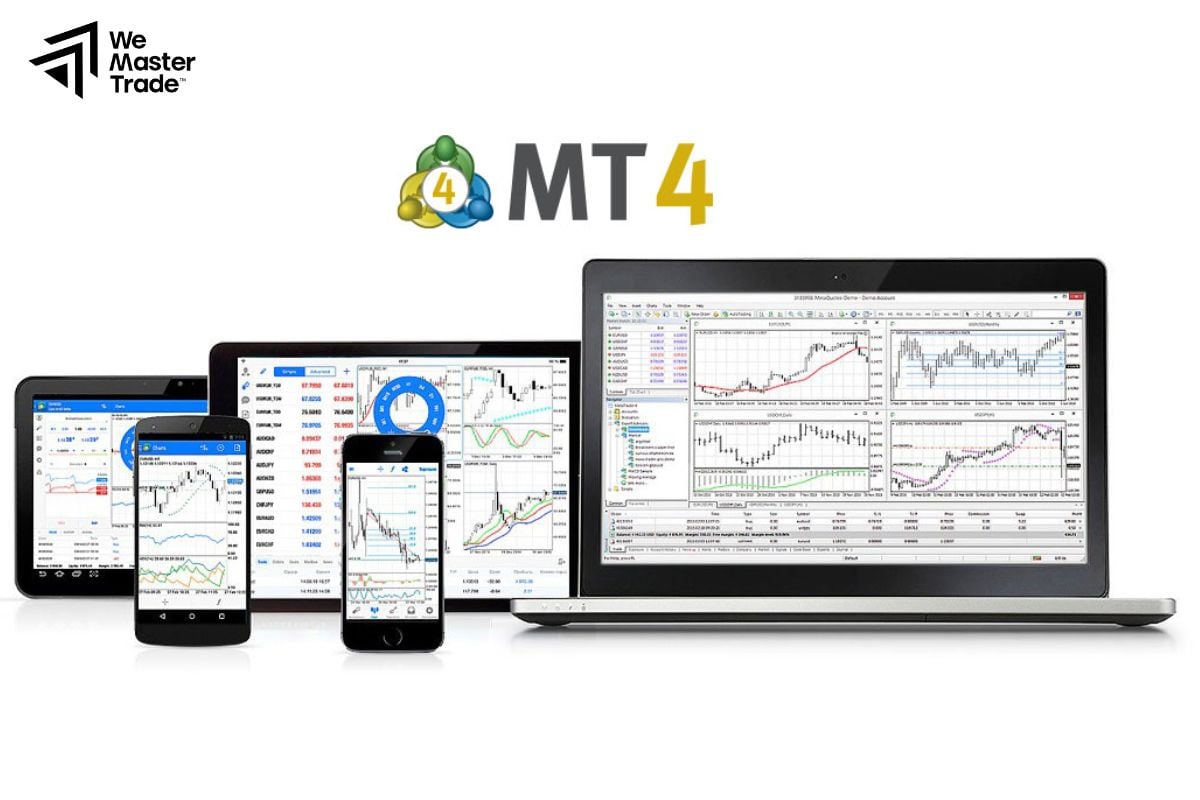
MT4: Classic platform for Forex, supports indicators, EAs, basic backtesting.
-
MT5: Expanded products (indices, commodities, stock CFDs), richer timeframes and tools.
-
WebTrader: No installation required, user-friendly interface; suitable for quick trades.
-
Mobile App: Monitor and place orders anytime, anywhere.
-
Copy Trade/Signal/Auto: Copy orders from other traders or use algorithms; remember to set separate risk limits for your Forex account.
Costs & Parameters to Understand
Spread
The difference between the Ask (buy) price and the Bid (sell) price. Lower spread means cheaper entry/exit costs. Note: spread can widen during strong news events or thin liquidity.
Commission
Applied mostly to ECN/Raw accounts. Carefully check the fee/lot and how it’s calculated based on the base currency of your forex account.
Overnight Fees (Swap/Financing)
Charged/paid when holding a position past 5 pm New York time (or the broker’s regulated hour). Islamic accounts are swap-free but may incur a fixed administrative fee.
Leverage & Margin
Leverage helps control a large position with smaller capital but magnifies both profits and losses.
-
Monitor your utilized margin and available margin.
-
Establish a risk threshold to avoid margin calls/stop-outs.
Slippage & Execution
During high volatility, the executed price may differ from the price you see. Tools like limit orders can help control the execution price.
Basic Order Placement & Risk Management
Order Types:
-
Market: Executes immediately at the current market price.
-
Limit/Stop: Triggers only when the price reaches a preset level (used for breakout/pullback strategies).
-
Stop Loss (SL) & Take Profit (TP): Automatically closes positions at a loss/profit level.
-
Trailing Stop: Moves the SL in the direction of profit to lock in some gains.
Risk Management Principles for your Forex account:

-
Risk per trade: 0.5%–2% of capital is a common level for cautious traders.
-
Calculate lot size based on SL distance: Larger positions require tighter SLs, and vice versa.
-
Avoid too many correlated trades (e.g., opening EUR/USD, GBP/USD, AUD/USD simultaneously, all dependent on the USD).
-
Keep a trading journal: Document entry/exit reasons, emotions, results; periodically review to improve.
Forex Accounts for Islamic Traders
If you adhere to Sharia (no paying/receiving interest), you can:
-
Verify your account.
-
Deposit funds.
-
Submit a request to convert to an Islamic Forex account.
Once approved, you trade without swaps and may access products that meet Halal criteria (e.g., gold backed by physical storage, oil without overnight interest). Request processing time is typically 1–2 business days, depending on the broker.
Security & Privacy for your Forex Account
-
Enable 2FA (authentication app) and biometric lock on mobile devices.
-
Never share API keys or passwords; avoid logging in on unfamiliar computers.
-
Check for suspicious emails/SMS impersonating your broker; enable login notifications.
-
Regularly change passwords and revoke unnecessary access permissions.
Conclusion
In summary, a Forex account is an indispensable foundation for traders to participate in the foreign exchange market. A suitable Forex account, combined with disciplined risk management and the habit of journaling/evaluating trades, will help you operate more systematically, even if you are only using a demo account for learning and testing.
See more: