











Are you aware that most traders only utilize about 20% of the platform’s actual power? Beyond just drawing candlesticks and checking price action, this platform also hides powerful TradingView tools that can completely transform your trading performance.
From rewinding to practice, filtering thousands of stocks in a second, to tracking the money flow of “whales,” this article by WeMasterTrade will reveal 10 top TradingView features that will help you analyze faster, more accurately, and more professionally.
1. Bar Replay
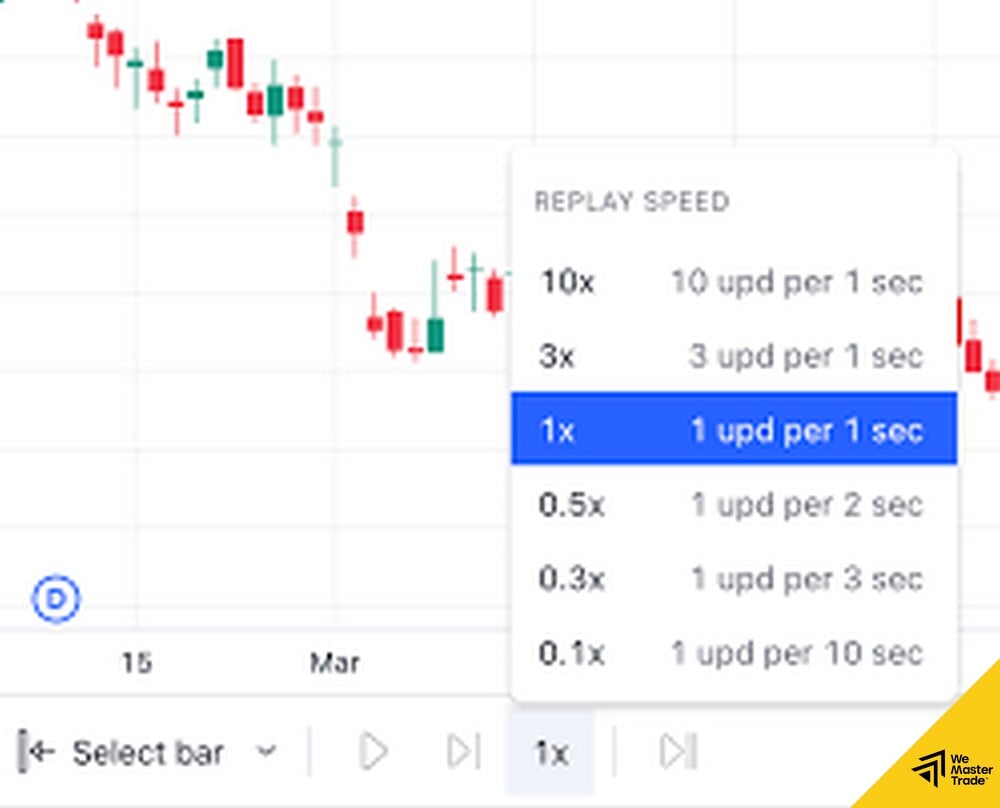
This is the most “magical” feature for backtesting. It allows you to cut out a portion of the chart and replay each candlestick individually. This is the best way to test the effectiveness of TradingView strategies before you dare apply them to your fund account.
2. Server-side Alerts
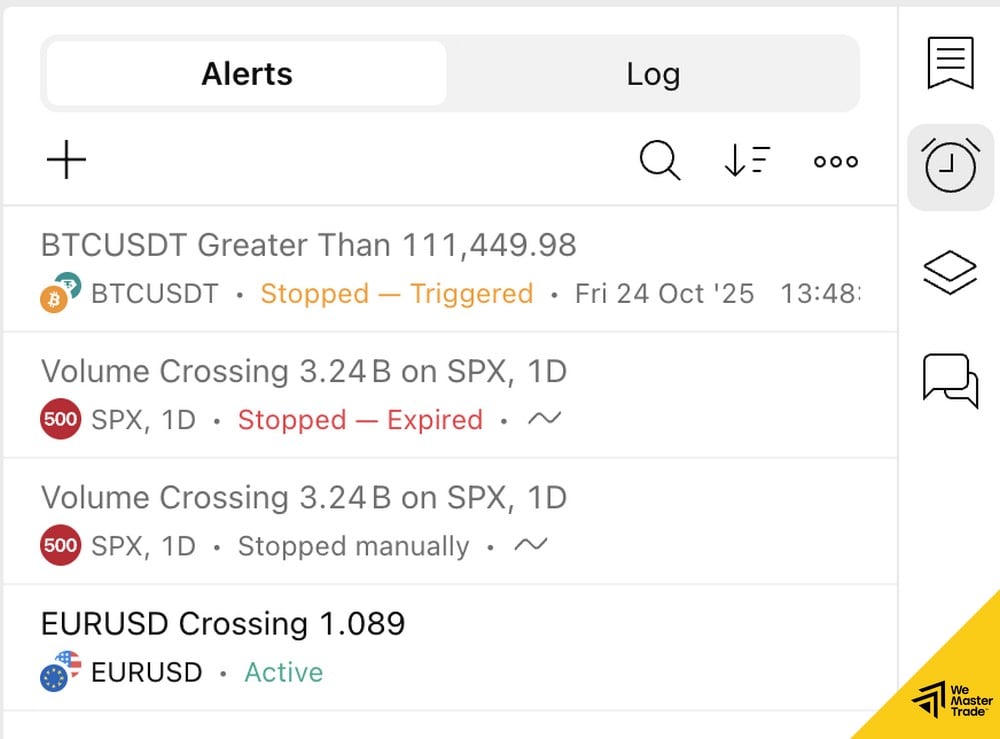
Don’t sit watching the screen 24/7. Set up price alerts. A special feature of TradingView is that alerts run on the server (Server-side), meaning that even if you turn off your computer, phone, or go to sleep… when the price reaches the set level, it will still send you an email or text message.
3. Pine Script (Create Your Own Indicator)
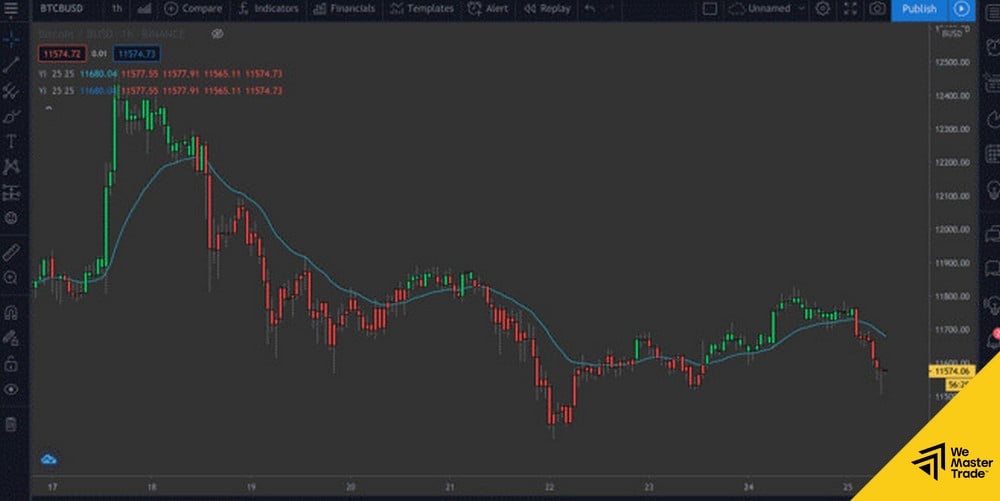
If you can’t find a tool you like, create your own. Pine Script is a simple programming language that helps you realize any trading idea.
4. Stock & Crypto Screener (Smart Filter)
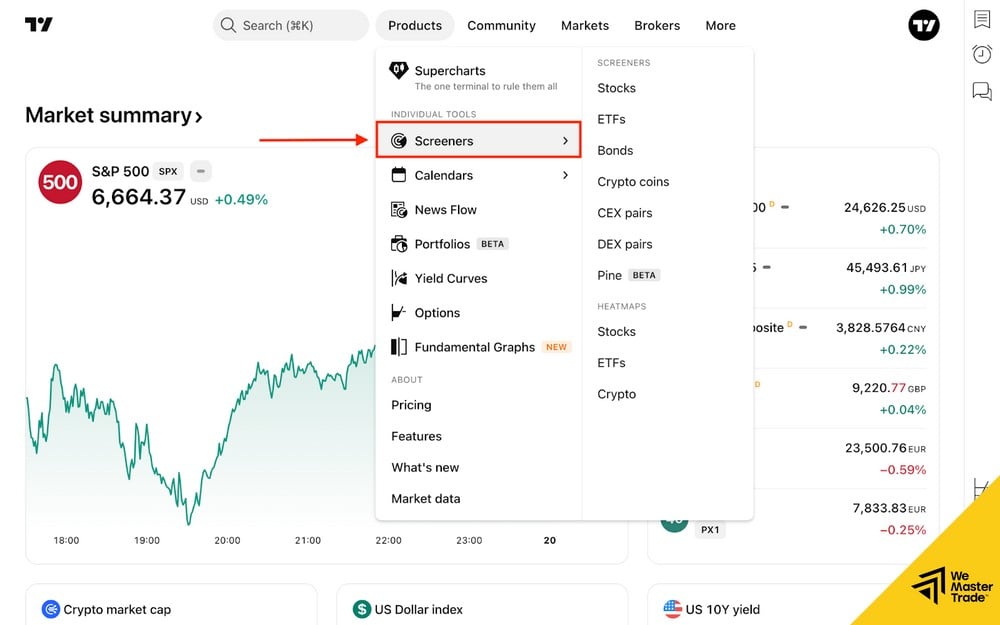
Do you want to find coins with oversold RSI? Or stocks with low P/E ratios that are growing? The Screener filter will scan the entire market and return results in an instant, saving you hours of manual chart analysis.
5. Volume Profile Visible Range (VPVR)
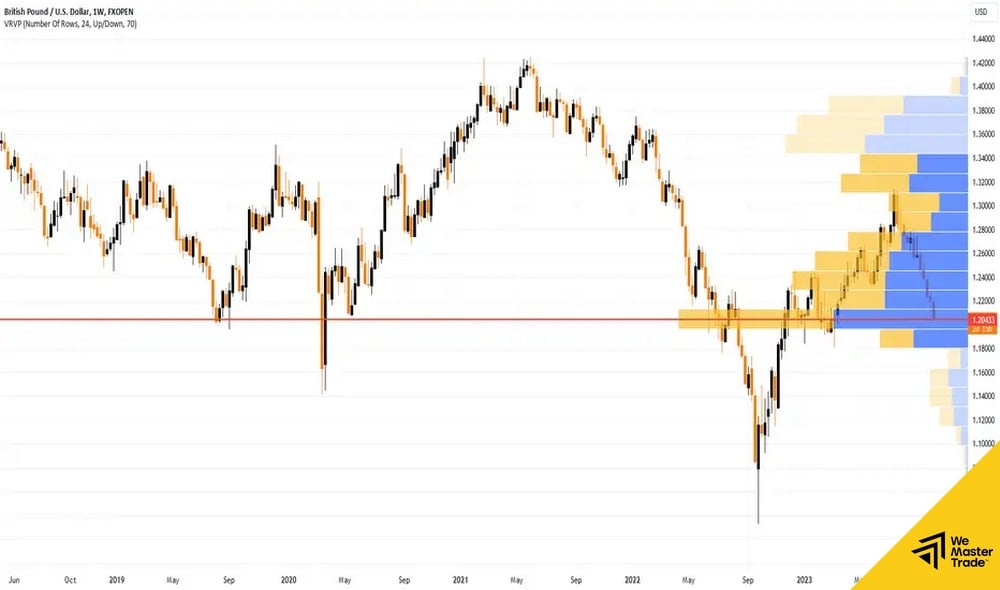
Unlike regular volume, VPVR displays trading volume by price level. It helps you see the “value zone” where whales are accumulating. To use it effectively, you should combine it with forex volatility indicators to determine if that price zone has enough volatility to generate profit.
6. Economic Calendar
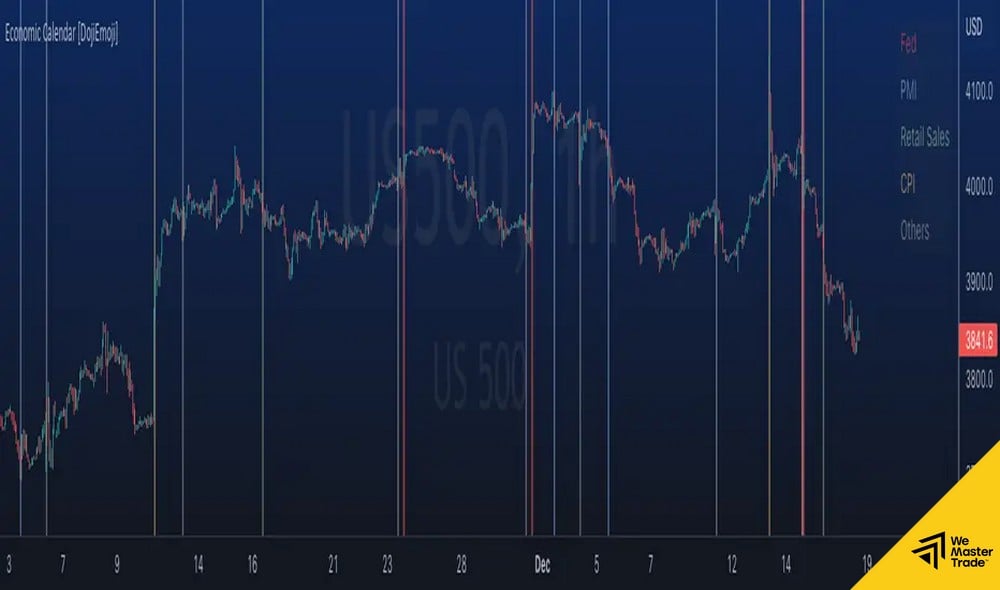
News is the enemy of technical analysis. TradingView integrates an economic calendar directly on the chart (the flags below the candlesticks). You will know exactly when the Non-farm payrolls or interest rate data will be released to avoid the storm.
7. Social Network (Trader Social Network)
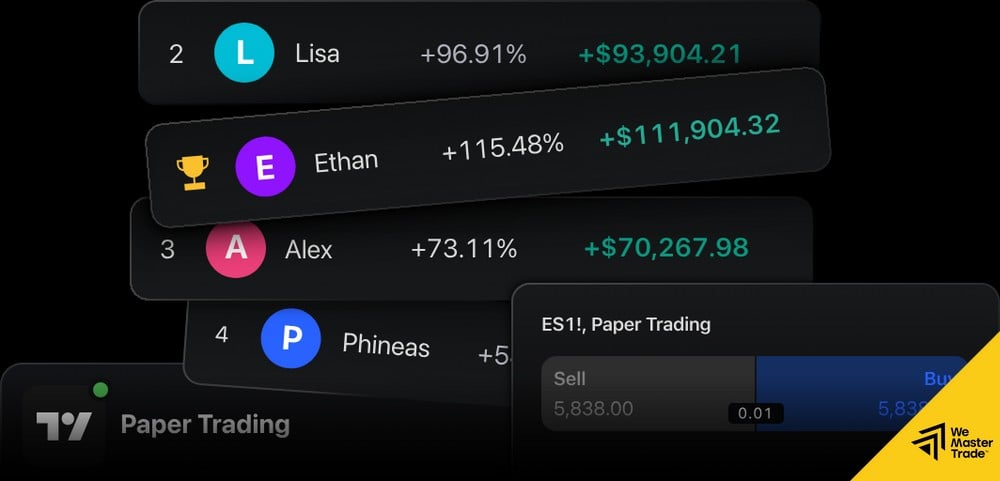
Don’t trade alone. The social network feature lets you join the TradingView community, where you can follow Pro Traders, see their ideas, and discuss directly on the chart.
8. Compare (Correlation Comparison)
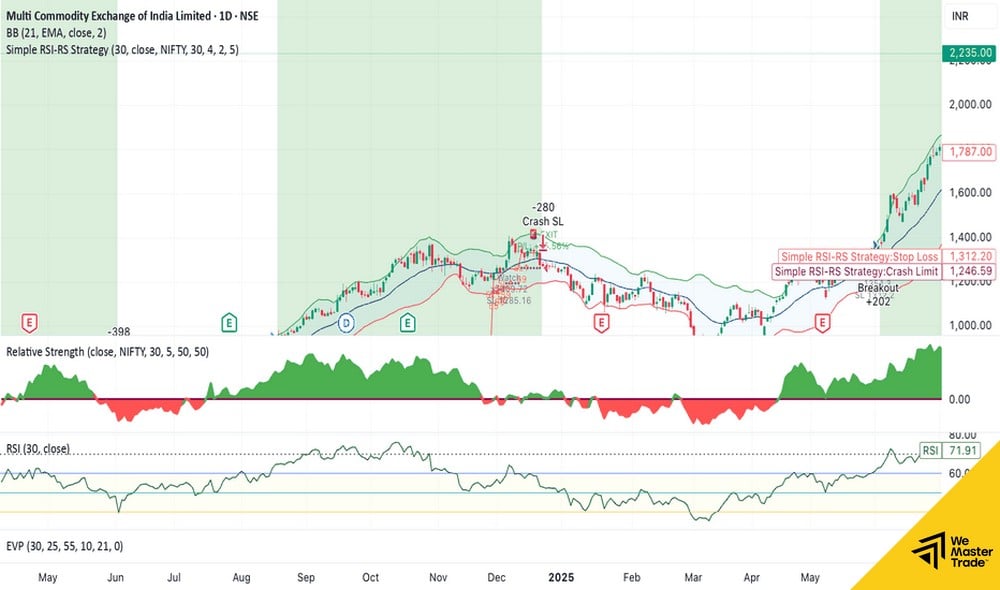
Want to know if Gold is moving in the opposite direction to the USD? Use the “Compare” button to overlay the DXY chart on the Gold chart. This feature is extremely useful for inter-market analysis trading.
9. Paper Trading
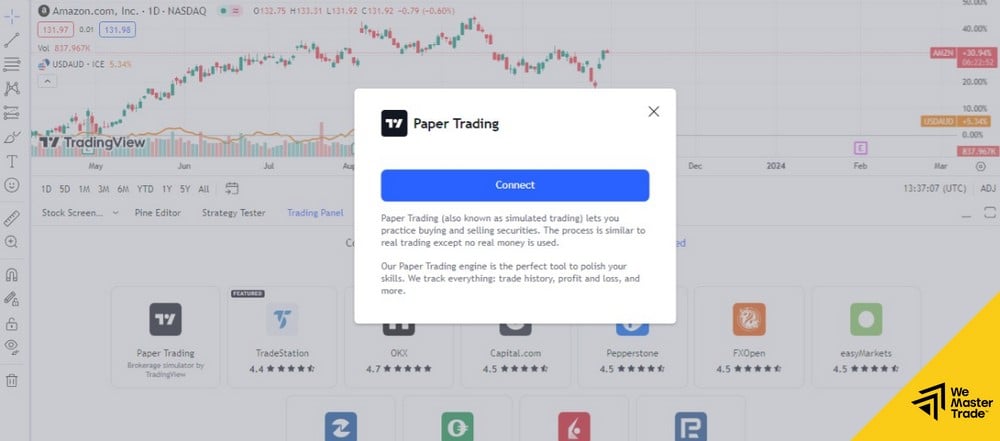
A built-in demo account with virtual capital is available. This is the training ground for you to practice newly learned skills without fear of losing real money.
10. Multi-Chart Layout
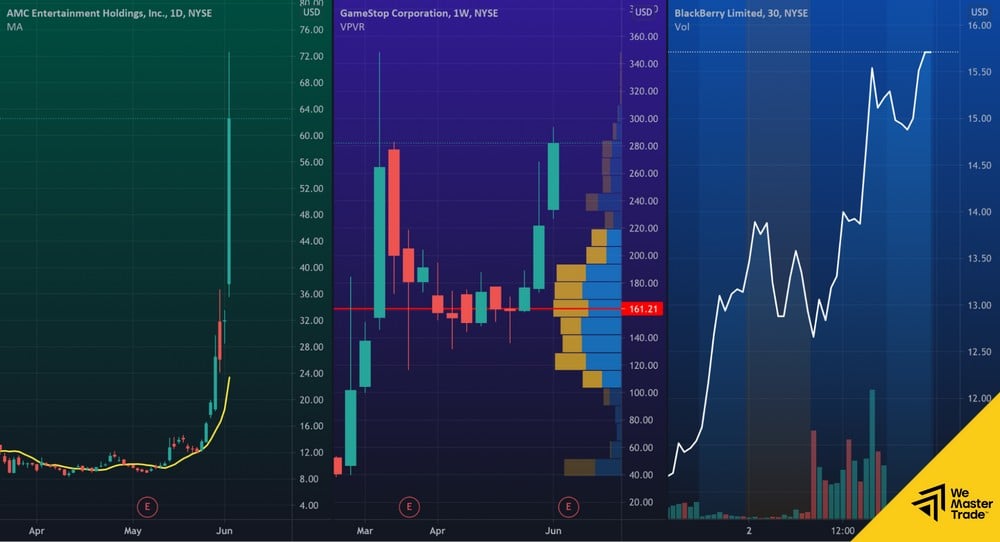
For Pro accounts. You can split the screen into 4-8 smaller charts to analyze multiple timeframes simultaneously. For example: D1 timeframe to see trends, H1 timeframe to find entry points.
With these 10 powerful features, you have a “treasure map” in your hands. But to exploit that treasure, you need “ammunition” (Capital).